
drop in your video
and cut the pauses.
mustardy removes silences automatically, from the editor or the command line. hook it up to your coding agent and it trims the pauses for you. no subscription, no cloud, no account.
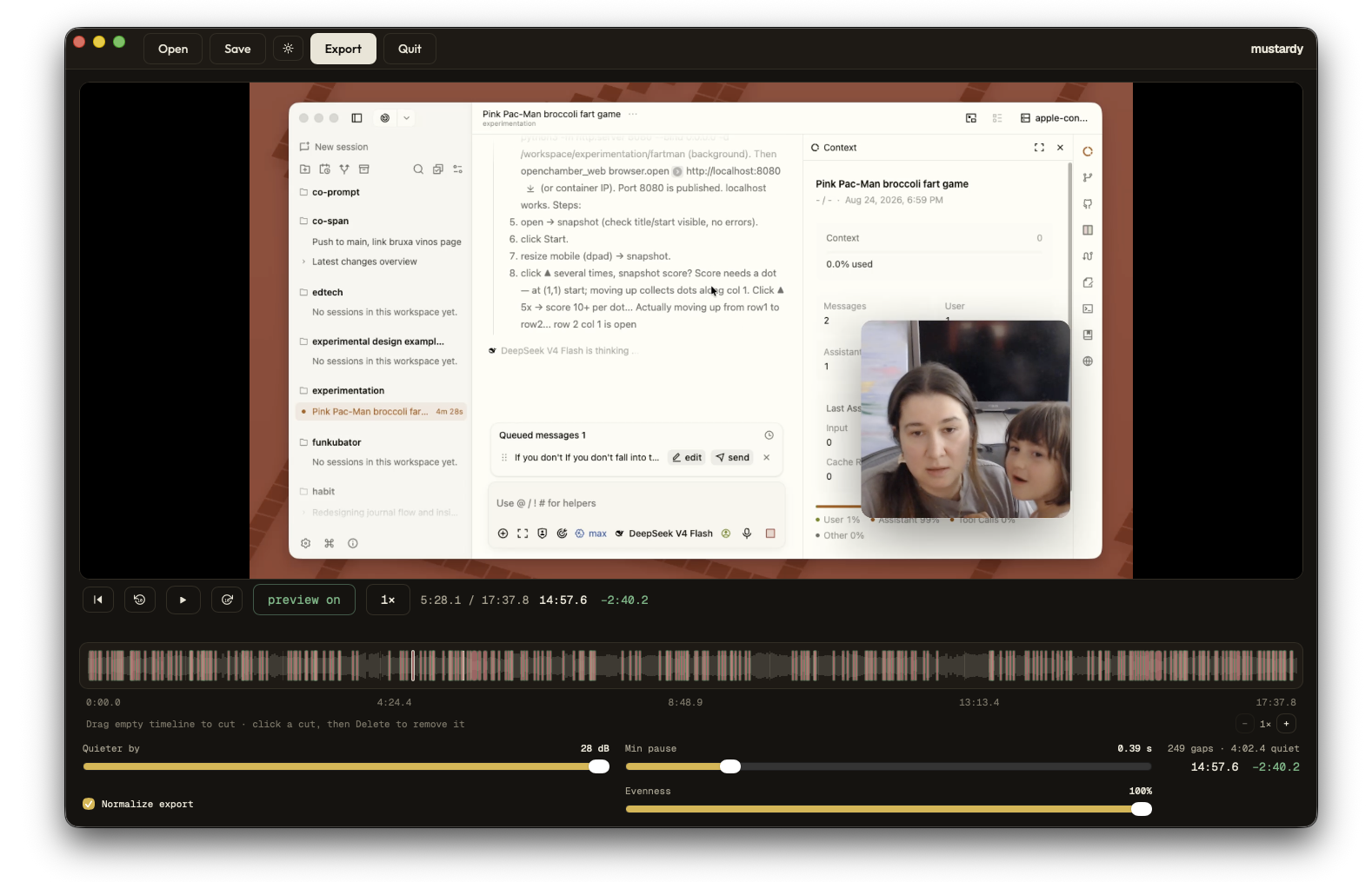
simple video editing.
built for people who record themselves or share their screens.
automatic silence removal
Drop your video in. We show you the quiet parts in red. You can preview everything before saving.
you are in control
Choose how quiet is too quiet. Pick how long a pause needs to be before it gets cut. Keep your mumbles if you want them.
keeps important moments
Mustardy checks your screen. Important demo steps do not get cut just because you stopped talking for a second.
even sound levels
Makes quiet whispers and loud talking match in volume. Even sound is much easier to listen to.
manual cuts
Want to trim something by hand? You can make manual cuts whenever you need them.
works offline
No AI, no cloud, and no account needed. Everything runs right on your computer. Your files stay private.
from raw footage to short video.
everything runs on your computer. no waiting for uploads.
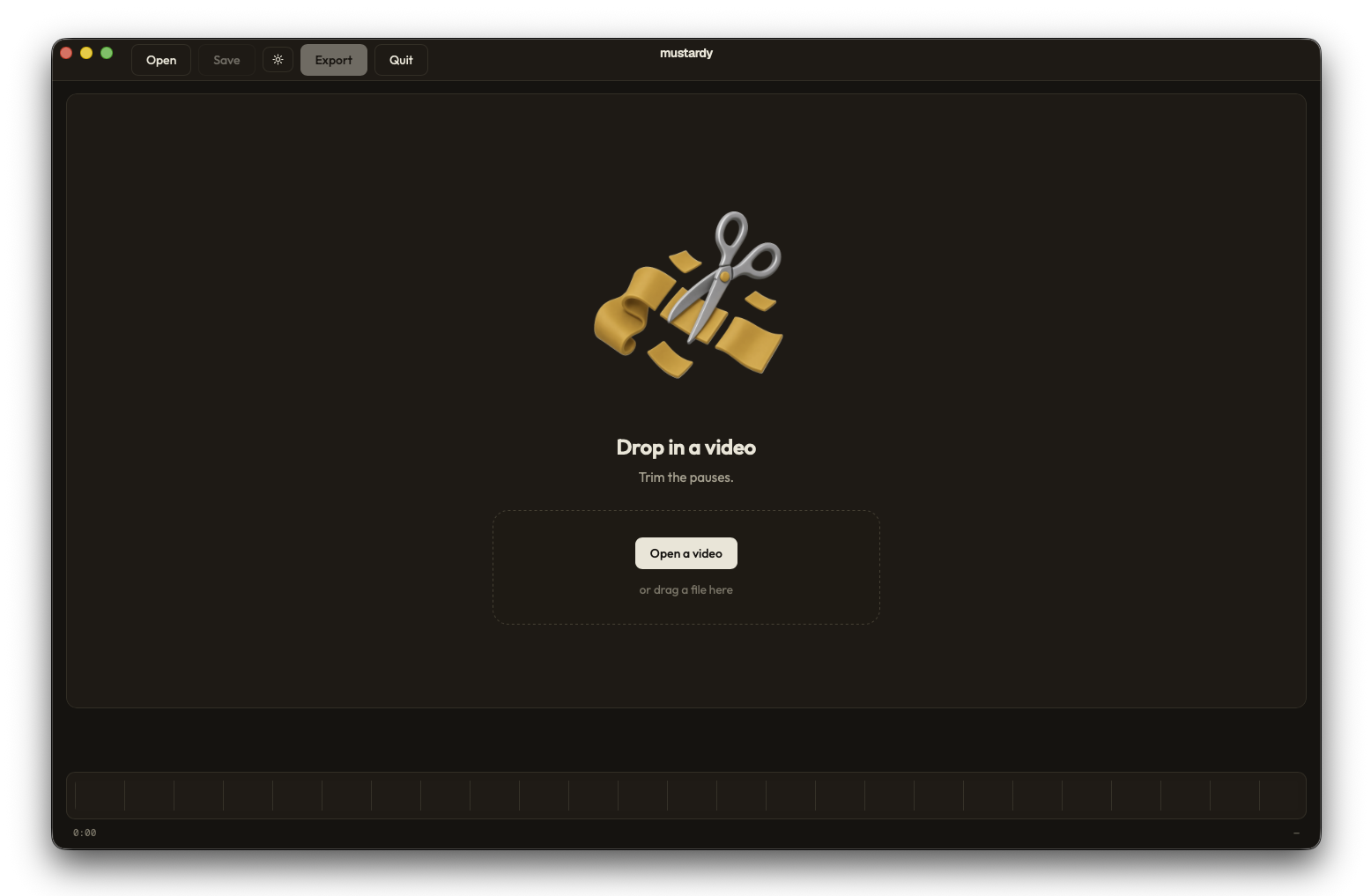
drop in a video
Drag your file in. Mustardy instantly shows every silence in red on the timeline.
check and adjust
Change the settings if you like. Watch the red marks (representing silences to be cut) update live.
save your video
Export your new file. The dead air is gone and your video is ready to share.
let your agent do the cutting.
the app ships a command-line trim. point your coding agent at it and skip the editor entirely.
install mustardy
grab the latest release for macOS or Linux. the cli ships inside it, so there is no separate download.
link the command
on macos, run mustardy install-cli once to link it into /usr/local/bin. on linux it is already on your path.
tell your agent to call this command
mustardy trim "/path/to/my-video.mp4"
Use the Mustardy CLI to trim the pauses from "/path/to/my-video.mp4". Run mustardy --help first. Use the defaults; don't tune the settings. Preview the cuts with --dry-run --json, then export with --json. Keep my original and don't overwrite an existing output file (choose a new path with -o if you need to). Tell me where the trimmed video is and how many seconds were removed.swap in your own file path. your agent needs terminal access on the same machine as the video.
parameters and defaults
the defaults are tuned for spoken video. most trims need nothing beyond the input path.
| parameter | default | what it does |
|---|---|---|
<input> | required | path to the video |
-o, --output | <input>-trimmed.mp4 | saves next to the source |
--drop | 30 dB | how far below talking counts as a pause (8–35) |
--min | 0.9 s | shortest pause to remove |
--normalize | on | even out the audio; --no-normalize to skip |
--no-visual | off | skip the picture-change scan (faster) |
--dry-run | off | list the cuts, write nothing |
--json | off | machine-readable output on stdout |
more options and the json output live in the docs →
download mustardy.
grab the latest version for macOS or Linux. there is no account and no subscription. just download it and start cutting.
free and open source · prefer to build from source? see the repo →